You have a great set of photos. Now you have to decide which one goes first, and what order the rest should follow. It sounds small. It is not. The order of your gallery is how buyers tour the home online. Here’s a simple way to set it up.
Why Photo Order Matters
Most buyers see your listing on a phone. They see the first photo in a search result, often next to a dozen other homes. If that photo does not stop them, they never see the rest.
Once they tap in, they swipe. A gallery that jumps from the backyard to a bathroom to the garage feels messy. A gallery that flows like a walk through the house feels calm and easy. That feeling carries over to the home itself.
Picking the Cover Photo
The cover photo has one job. It should get the tap.
For most homes, the front exterior is the right choice. It tells buyers what the home looks like from the street, and it is what they will see when they pull up. Pick the angle that shows the whole front clearly, with the driveway clear and the garage door shut.
Some homes sell on something else. If the best part of the home is a big open great room, a pool, or a mountain view, that can go first instead. Ask yourself one question: what would make a buyer stop scrolling? Lead with that.
A few things to avoid in the first spot:
A close-up detail, like a light fixture or a faucet
A dark shot when a brighter one exists
A bathroom or bedroom with nothing special about it
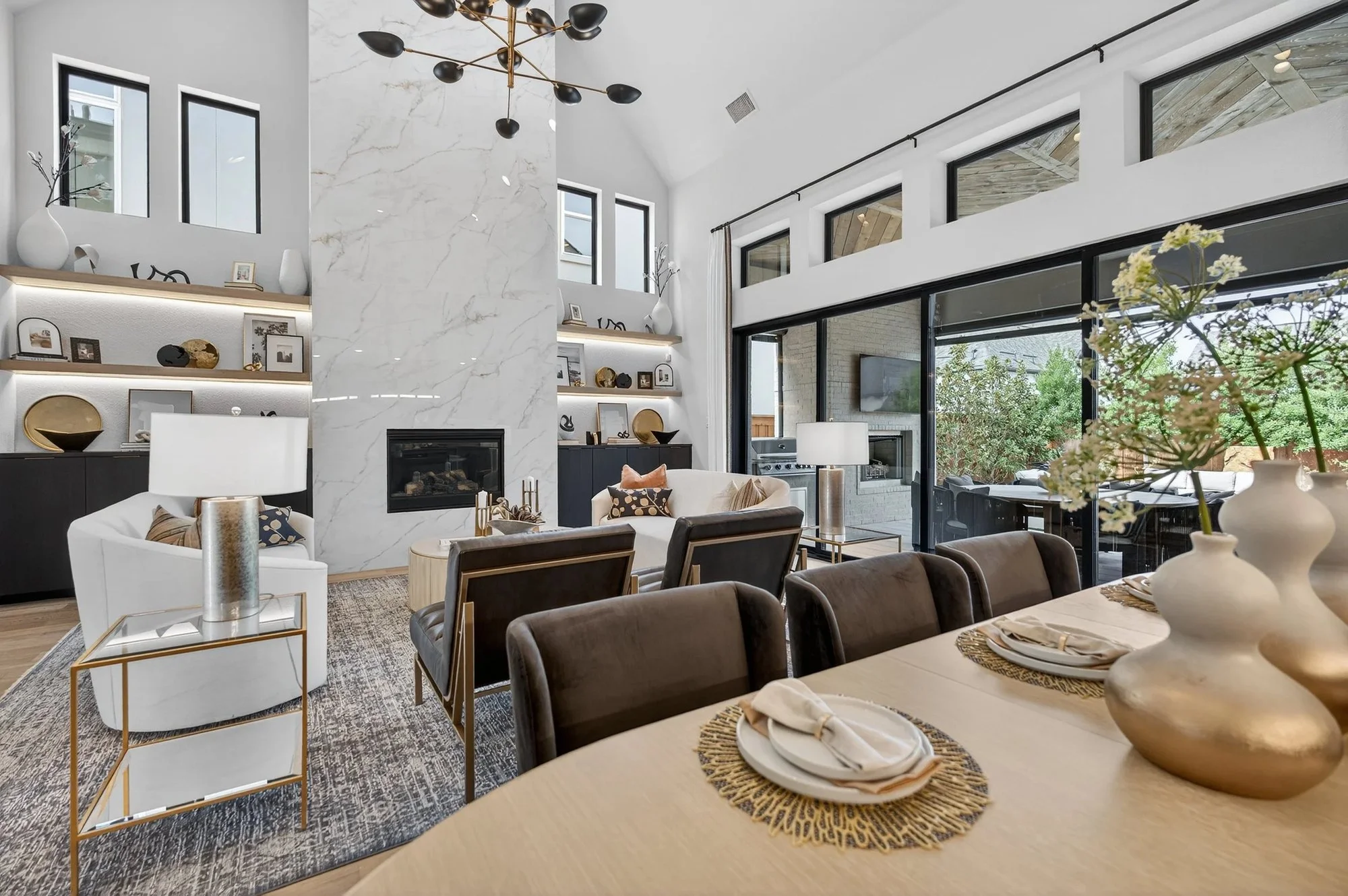
When the main living space is the star, it can earn the first spot in the gallery.
Follow the Walk Through the House
After the cover, put the photos in the order a buyer would walk the home. Picture yourself opening the front door.
A simple order that works for most homes:
Front exterior
Entry
Living room or great room
Kitchen
Dining area
Primary bedroom
Primary bathroom
Other bedrooms and bathrooms
Bonus spaces, like an office, loft, or laundry room
Backyard, patio, and pool
Drone photos and the floor plan, if you have them
This order tells a story. Buyers move from the outside in, through the main rooms, then back out to the yard. It also puts your strongest rooms near the top, where more people will see them.
If a room is special, move it up. A chef's kitchen or a resort-style backyard can sit higher in the order. Just keep the rest of the flow easy to follow.
Show How the Rooms Connect
Buyers want to know how the home fits together. Where is the kitchen from the living room? Can you see the backyard from the sink?
Place connected shots next to each other. A wide shot of the great room, then a shot from the kitchen looking back into it, helps buyers build a map in their head. A floor plan at the end of the gallery makes that map clear. If the listing has a 3D tour, add the link where your MLS allows it. Our post on how 3D tours help listings covers when a tour is worth it.
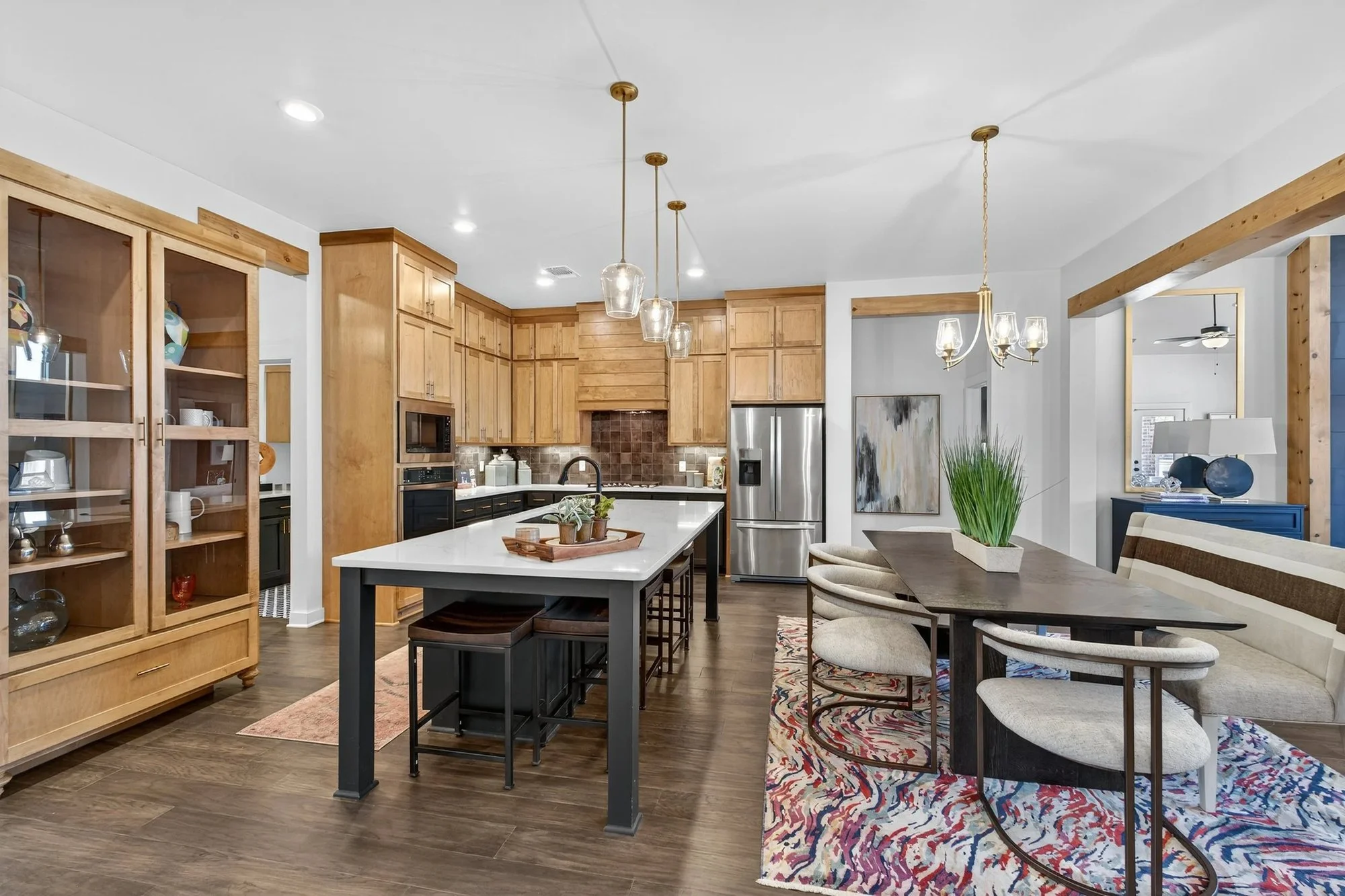
A shot from the dining area into the kitchen helps buyers picture how the rooms connect.
What to Leave Out
More is not always better. Every photo should help the buyer understand the home.
Skip or move to the end:
Near-duplicate angles of the same room
Small closets or hallways that look the same as every other home
Photos where the room looks smaller or darker than the real thing
Keep the ones that answer a buyer's question. Is the kitchen big enough? Is there room for a table? What does the yard look like?
Add Short, Plain Captions
If your MLS lets you add captions, use them. Keep them short and true. "Primary bedroom with backyard view" helps. "Stunning oasis retreat" does not.
Captions are also a good place to point out things a photo cannot show well, like a new roof or an owned water softener. Check your MLS rules before you add anything beyond a simple description.
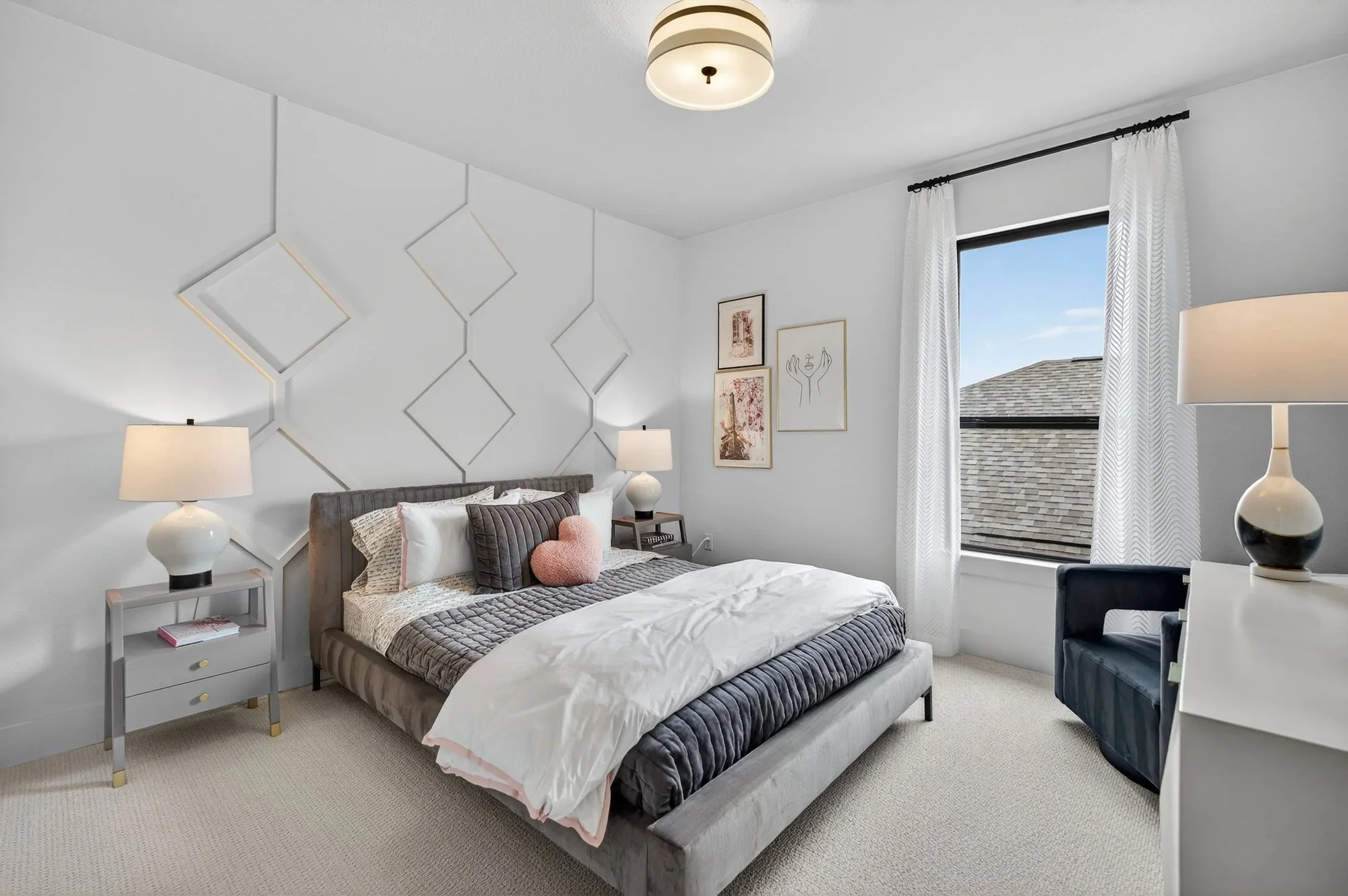
A clear, simple bedroom shot paired with a plain caption tells buyers exactly what they are looking at.
Let Us Help
At Glideslope Media, we shoot each home with the gallery in mind. That means a strong front exterior, clean shots of every main room, and angles that show how spaces connect. Every package includes a property website and marketing designs that use the same photos, so your listing looks the same everywhere buyers find it. Basic starts at $199, and every package comes with 24-hour turnaround.
When your next listing is ready, you can book a shoot at glideslopemedia.com.